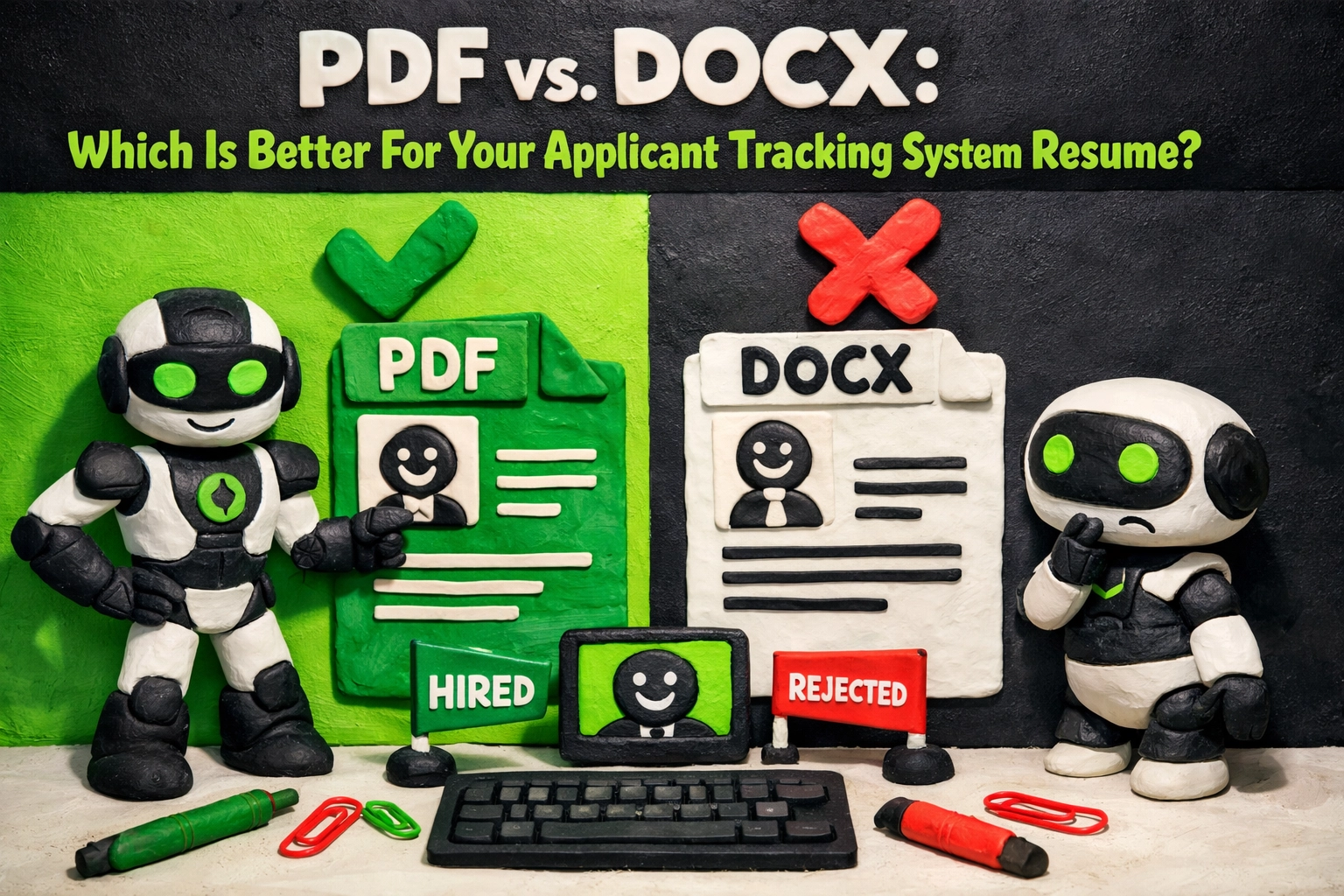
PDF vs. DOCX: Which Is Better For Your Applicant Tracking System Resume?
The debate over file formats is the ultimate distraction in the job search world. While candidates spend hours arguing in forums about whether a PDF is "cleaner" than a Word document, 75% of resumes are being auto-rejected before a recruiter even looks at the file extension. The truth is simple: an Applicant Tracking System (ATS) doesn't care about your aesthetic preferences. It cares about data extraction. If the system cannot parse your text, your candidacy is dead on arrival.
The bar has raised. In 2026, relying on "what worked two years ago" is a recipe for professional invisibility. Whether you should use a PDF vs. DOCX resume depends entirely on the age of the system you are applying to and how you are delivering the file. If you are still using a one-size-fits-all approach to file formatting, you are leaving your career to chance.
The Data: Why Your File Format Matters
Recent industry audits show that nearly 98% of Fortune 500 companies utilize an Applicant Tracking System resume filter. Within that ecosystem, compatibility is not universal. While modern systems like Greenhouse and Lever have become highly sophisticated, older "legacy" systems: which still represent a significant portion of the corporate market: struggle with complex file structures.
* Modern ATS Accuracy: 99.2% success rate in parsing text-based PDFs. * Legacy ATS Failure Rate: Up to 40% of PDFs on 10+ year-old systems result in "scrambled" data or missing fields. * The Mobile Factor: 60% of recruiters view resumes on mobile devices where PDF rendering is consistently superior to DOCX.
The Case for DOCX: The "Safe" Standard
For over a decade, the standard advice was to "always use Word." This wasn't because Word was better designed, but because it was the native language of early recruitment software. Even today, Microsoft Word (.docx) remains the most resilient format for resume optimization tools.
Why DOCX Wins in High-Volume Portals
When you upload a resume to a massive corporate portal: think Workday or older versions of Taleo: the system attempts to strip away the "pretty" layers to find the raw text. A .docx file is essentially a container of XML data that these older systems can read with high reliability.If the application portal looks like it was designed in 2012, use a DOCX file. It minimizes the risk of the system misreading your contact information or work history dates. Furthermore, if you are working with an external headhunter or agency recruiter, they almost universally prefer DOCX. Why? Because they often need to "re-brand" your resume with their company logo or remove your contact details before presenting you to their client.
The Case for PDF: The Professional's Choice
If DOCX is the "safe" play for robots, the text-based PDF is the winning play for humans. The primary advantage of a PDF is visual integrity. When you send a Word document, you are at the mercy of the recipient's software version, installed fonts, and screen resolution. Your perfectly aligned bullet points can easily turn into a chaotic mess of red underlines and shifted margins on a recruiter’s screen.
The Modern Parsing Revolution
Modern systems (Greenhouse, Lever, and specialized AI-driven tools) now parse text-based PDFs with near-perfect accuracy. These systems don't just "read" the text; they understand the layout. If you are applying to a tech-forward company or a startup, a PDF is almost always the better choice because it ensures your personal brand remains intact.Crucial Warning: Never use an "image-only" PDF. If you scan a physical piece of paper or save your resume as a flat JPG/PNG inside a PDF wrapper, the ATS score will be zero. The system will see a blank page. You must "Export" or "Save As" a PDF directly from your word processor to maintain the searchable text layer.
Trend, Impact, and Action: Navigating the 2026 Market
The Trend: Multi-Modal AI Parsing
The industry is moving away from simple keyword matching toward semantic understanding. Modern recruiters use VANTAGE-7 and similar AI tech to "read" resumes like a human would, looking for context rather than just "buzzword density."The Impact on You
Your file format is now the "envelope," not the message. If the envelope is hard to open (Legacy ATS vs. PDF), the message is never read. If the message is weak (Generic content), the format won't save you. You need a strategy that addresses both.The Action Plan: Next 7 Days
To ensure you aren't being ghosted due to technicalities, follow this framework:Before vs. After: Formatting Decisions
| Feature | The Old Way (Failing) | The KINETK Way (Succeeding) |
|---|---|---|
| **File Type** | Sending a PDF to a 2010 Workday portal. | Using DOCX for portals; PDF for people. |
| **Fonts** | Using "Custom" fonts downloaded online. | Using System Standards (Arial, Calibri, Georgia). |
| **Layout** | Using Tables and Columns to save space. | Using a clean, single-column vertical flow. |
| **Contact Info** | Tucked away in a graphical sidebar. | Clearly listed at the top in plain text. |

The Truth About "Beating" the System
You don't "beat" the ATS; you cooperate with it. The goal is to make it as easy as possible for the software to do its job. If the software can easily categorize you, you move to the human round. If it has to "guess" where your experience ends and your education begins because of a weirdly formatted PDF, you end up in the "rejected" pile.
If you find yourself wondering why your resume is not getting callbacks, the file format is often the hidden culprit. It’s the "ghost in the machine" that prevents your qualifications from ever reaching a human set of eyes.
Patience isn't optional in this market, but being smart is. You wouldn't show up to a black-tie event in a tracksuit; don't show up to a high-tier job application with a file format that screams "I don't understand modern technology."
Final Verdict: Which One Should You Use?
* Use DOCX if: You are applying via a large corporate portal, the company is a legacy giant (Insurance, Banking, traditional Manufacturing), or you are sending the file to a recruiter who needs to edit it. * Use PDF if: You are applying to a tech company, emailing a hiring manager directly, or applying via "Easy Apply" on LinkedIn where visual presentation is paramount.
The goal: a resume that works. Not just a resume that looks good on your screen.
Ready to see how your current format stacks up? Don't guess. Use the KINETK ATS optimization tool to scan your file now. We’ll show you exactly what the recruiter sees: and how to fix it before you hit "Submit."
#ResumeTips #ATS #JobSearch2026 #ResumeFormatting #CareerAdvice #KINETK #JobSearchStrategy #RecruitingTech #PDFvsDOCX #GetHired