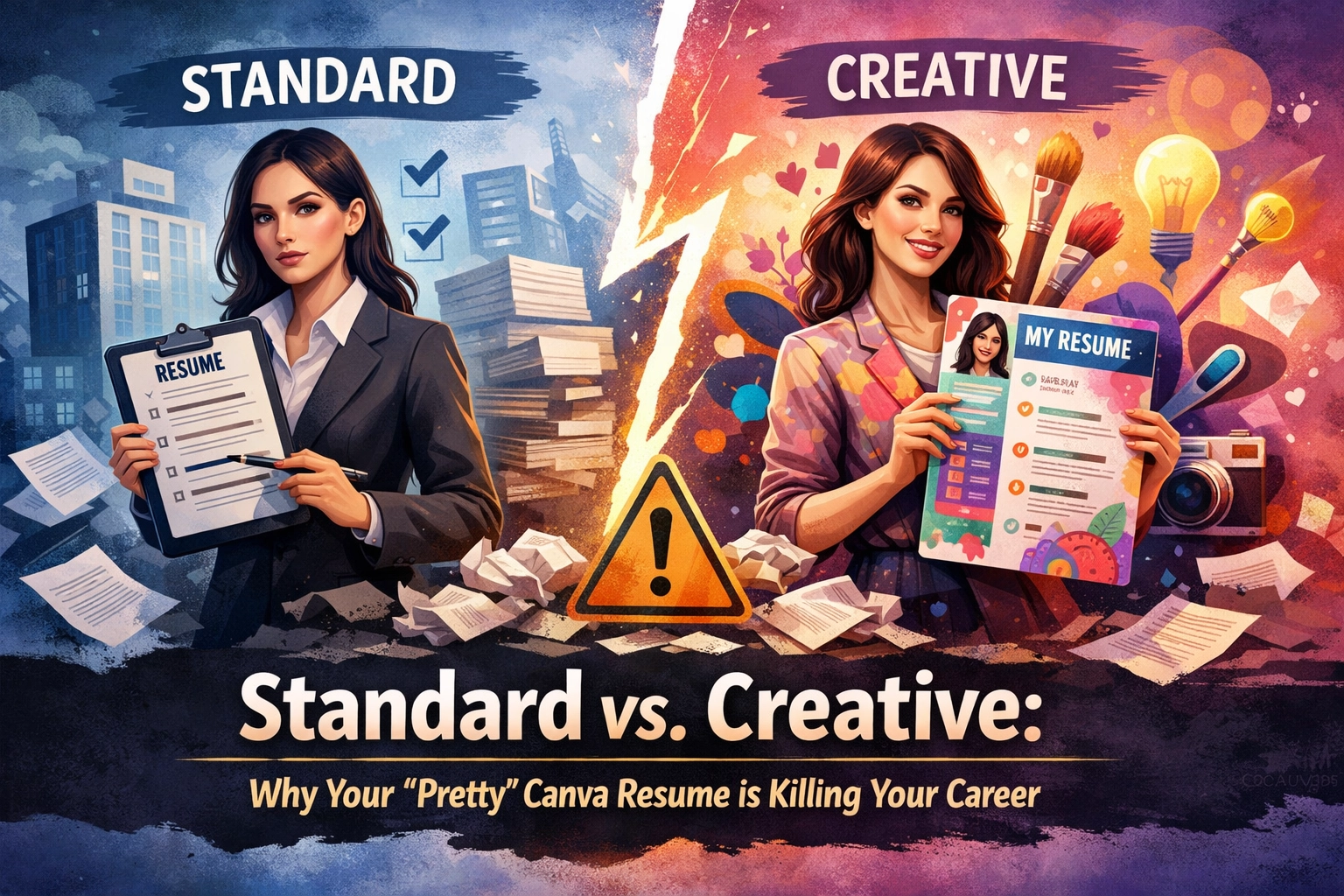
Standard vs. Creative: Why Your 'Pretty' Canva Resume is Killing Your Career
Why your 'pretty' Canva resume is killing your career. Learn the difference between creative and ATS-compliant resume formatting.
You spent four hours obsessing over the exact shade of "muted teal" for your sidebar. You carefully aligned small icons for your phone number, email, and LinkedIn profile. You used a sleek, two-column layout that makes your career look like a high-end magazine feature. You downloaded it as a PDF, felt a surge of pride, and hit "Apply."
Then, nothing happened. Not even a rejection email: just silence.
Here is the hard truth that most career coaches won't tell you: Your "pretty" Canva resume is likely the reason you are unemployed. While you were focused on aesthetic appeal, the Applicant Tracking System (ATS) was busy shredding your file because it couldn't read a single word of it. In the modern hiring landscape, your aesthetic is your liability. If a machine can’t parse your data, a human will never see your design.
The 75% Rejection Gate: Data over Design
The statistics are brutal and non-negotiable. Roughly 75% of resumes are rejected by automated systems before they ever reach a recruiter's desk. Of that 75%, a staggering majority are discarded not because the candidate lacked experience, but because the resume formatting for ats was fundamentally broken.
In 2026, the bar has raised. Companies are receiving more applications than ever, and they rely exclusively on software to do the heavy lifting. This software doesn't "look" at your resume; it "parses" it. It strips away all formatting to turn your document into a plain-text profile.
When you use a creative template filled with text boxes, graphics, and multi-column layouts, the parser fails. It sees a jumbled mess of symbols and "null" values. To the recruiter, you don't look like a creative genius: you look like an empty entry in a database.
Trend: The Death of the Visual Hierarchy
For years, the advice was to "stand out visually." That era is over. The current trend in high-stakes recruiting is Machine-Readable Optimization.
What This Means for You:
* The "Invisible" Resume: If your skills are trapped inside a graphic or a text box, they don't exist in the recruiter's search results. * The Parsing Scramble: Multi-column layouts often cause the ATS to read across the page rather than down. This merges your "Professional Summary" with your "Technical Skills," creating a word salad that triggers an immediate auto-rejection. * Skill Bars are Meaningless: Those "80% proficiency in Python" bars look cool to you, but they provide zero data to an ATS. A machine needs keywords and context, not a shaded rectangle.
Why Your Creative Template is Failing the Test
The fundamental problem with tools like Canva is that they prioritize visual hierarchy over content hierarchy. They are graphic design tools, not document processing tools. Here are the three primary reasons your creative resume is failing:
1. The Text Box Trap
Most creative templates use individual text boxes for different sections. Standard ATS software often skips these entirely or processes them in the wrong order. If your contact information is in a floating box at the top, the system might associate your phone number with your previous job title.2. The Graphics Glitch
Icons for "Phone," "Email," and "Location" are frequently interpreted as "gibberish characters" by older parsers. If the system can't find the string of text that looks like an email address because an icon is interfering, you become unreachable.3. Non-Standard Headings
Using "Where I've Been" instead of "Work Experience" might feel "on-brand" for your personality, but it’s a death sentence for your application. Machines look for specific, standardized headers. If they don't find them, they don't know where to categorize your data.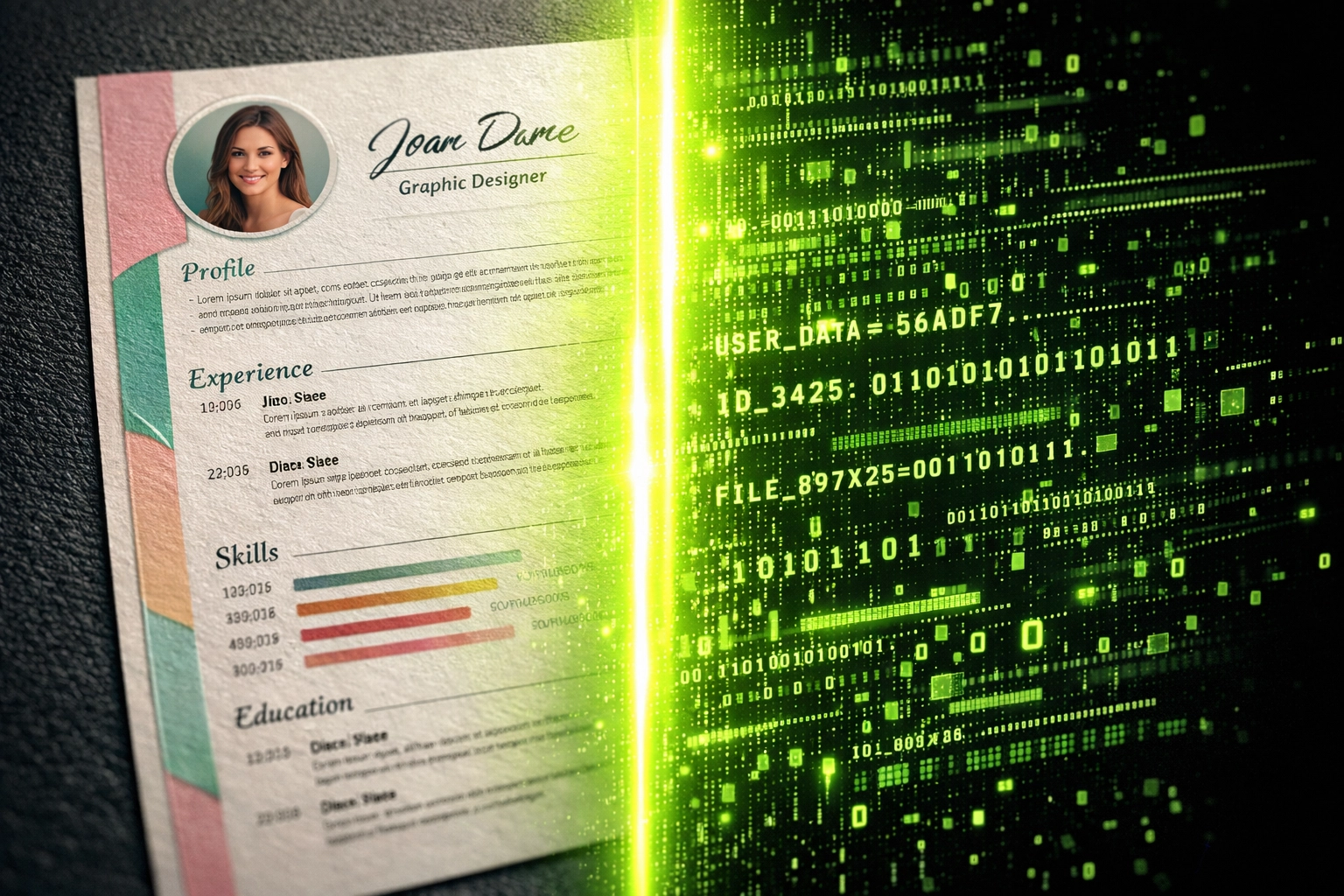
Before vs. After: From "Pretty" to "Positioned"
To fix your conversion rate, you must pivot from a creative mindset to a technical one. You need an ats compliant resume that focuses on clarity and keyword density.
| Feature | The Creative "Canva" Approach (Failing) | The KINETK "Standard" Approach (Winning) |
|---|---|---|
| **Layout** | Two or three columns with sidebars. | Single-column, top-to-bottom flow. |
| **Fonts** | Unique, non-standard web fonts. | Standard fonts (Arial, Calibri, Georgia). |
| **Experience** | Summarized into short, visual snippets. | Long-form, achievement-oriented bullets. |
| **Skills** | Visual progress bars or star ratings. | Plain text list categorized by proficiency. |
| **Headings** | Creative labels like "My Story." | Standard labels like "Professional Experience." |
The goal isn't to be boring; the goal is to be findable. Once you have secured the interview through an ats friendly resume template, you can bring your creative portfolio or a visual resume to the actual meeting. But for the application phase? Standard wins every time.
Your 30-Day Action Plan: Reclaiming Your Visibility
If you have been sending out a creative resume with no bites, you need to pivot immediately. Following the job market trends 2025, the competition is too high to waste time on "maybe."
Days 1-7: The Audit
* Download your current resume as a plain text (.txt) file. * Look at what remains. Is it a mess? Are words merged together? Is half the content missing? This is exactly what the recruiter sees. * Use an ats-checker to get a baseline score of how a machine interprets your current file.Days 8-21: The Rebuild
* Ditch the design software. Move to a standard word processor like Google Docs or Microsoft Word. * Adopt a single-column layout. * Ensure your headers are standard: "Summary," "Experience," "Education," "Skills." * Integrate high-impact keywords. Check out our ATS resume 2025 guide for specific phrasing that triggers the "highly qualified" flag.Days 22-30: The Optimization
* Once your format is locked, focus on the content. Replace "Responsible for..." with "Achieved [X]% growth by implementing [Y]." * Cross-reference your new resume against 5-10 job descriptions in your field. * Prepare for the next stage by reviewing our interview preparation checklist.When Can You Use the "Pretty" Version?
We aren't saying design has no value. We are saying it has no value in the portal.
Patience isn't optional; you must play by the rules of the system until you reach a human. Use your creative Canva resume for: * In-person networking events where you hand over a physical copy. * Directly emailing a hiring manager (if you’ve already established a connection). * Your personal website or digital portfolio. * As a "leave-behind" document after an interview is over.
For everything else: every LinkedIn "Easy Apply," every Greenhouse portal, every Workday application: you need a clean, standard, machine-readable document.
The Bottom Line: Stop Playing the Lottery
Applying for jobs with a creative resume is like playing the lottery with a ticket written in a language the machine can't read. You might be the most qualified person for the role, but if you don't respect the technology used to find you, you will remain invisible.
The job market doesn't care about your favorite font. It cares about whether you can solve a problem and whether those skills can be indexed in a database.
If you’re tired of the "black hole" of job applications, it's time to stop designing and start optimizing. At KINETK, we specialize in bridging the gap between your talent and the machines that gatekeep the best roles.
Ready to see what the machines actually think of your resume? Check your ATS score now and stop letting a "pretty" template kill your career. For those ready to bypass the struggle entirely, you can order a professional optimization here.